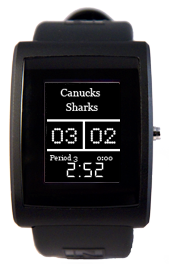
We're pleased to announce a special update of the inPulse Blackberry app to celebrate the 3rd round of the NHL Hockey Playoffs. This app, paired with a special firmware for your Blackberry, will allow you to receive in-game scores right on your wrist, and vibration alerts whenever someone scores! The app is perfect for those occasions when you're invited out to dinner in the middle of a big game, or stuck late at work in a meeting.
Features:
- Hockey scoreboard-esque watchface
- In-game score, period and time-left display updated every minute
- Vibration alerts when someone scores
- Maintains support for emails, calls, SMS and BBM. Calendar/alarm/custom fonts are not supported
Note:
- You can switch back to the previous firmware at any point simply by transferring the regular firmware from the 'Firmware' button in the app
- App was created by our two new additions to the inPulse team: Tony Du and Matt Books.
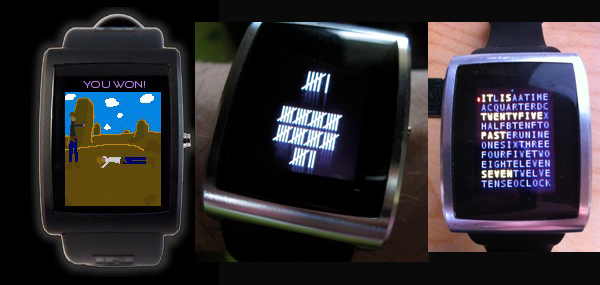
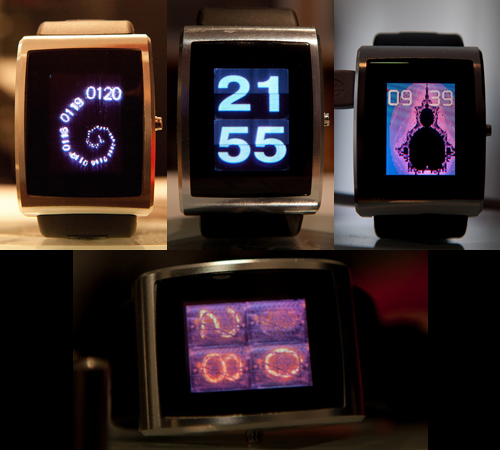
Also, one determined developer has been creating a special watchface for inPulse every single day for an entire month! He calls it the 30 Days of Watchfaces. You can checkout some of his designs at: http://osresearch.tumblr.com/
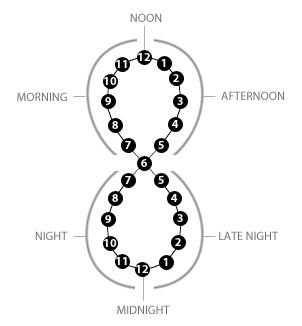
As an avid reader of Hacker News (news.ycombinator.com) with a keen eye for articles about time and clocks, I naturally came across this excellent post by Doug McCune called Visualizing Time with the Infinity Hour Chart.
In Doug's post, he talks about using this technique to represent data related to a particular time of day. I immediately though "Man, that would make a cool watchface..."
Fast-forward a few hours when I logged onto the inPulse developer forum (http://forum.getinPulse.com). Trammell Hudson, the hacker behind the Magic Lantern firmware for Canon DSLRs, is in the midst of his own 30 Days of Watchapps. It turns out he read my mind and created an inPulse version of the Infinity Clock.
Calling all hackers! Come out to the Hacker Dojo in Mountain View, CA on April 17 for an inPulse hackathon. If you've already got an inPulse watch, that's awesome - bring it along! If not, we'll be supplying some watches to hack on. The hackathon will start at 11a and go until 9p. We'll be providing a mid-afternoon BBQ, wifi and watches. At the end of the evening, we'll organize a little demo session where you can show off your creations.
Paul Graham, from Y Combinator, has generously offered to drop by at the end to check out the entries.
inPulse is a hackable Bluetooth wristwatch. Visit www.getinPulse.com. inPulse has a colour 96x128 pix OLED display, Bluetooth chipset and a vibrating motor. We've launched an open SDK so you can write your own apps. inPulse can even be connected via Bluetooth with smartphones like Android, Blackberry and jailbroken iPhones.
Watch apps can be anything from custom watchfaces, to single-button games, or even internet-connected data displays. We've published example apps at www.getinPulse.com/apps, and there's a healthy watch-hacking community going over at forum.getinPulse.com.
If you want to get started creating watchapps, download the inPulse simulator and start hacking right away. Be sure to check out the inPulse forum.getinPulse.com as well!
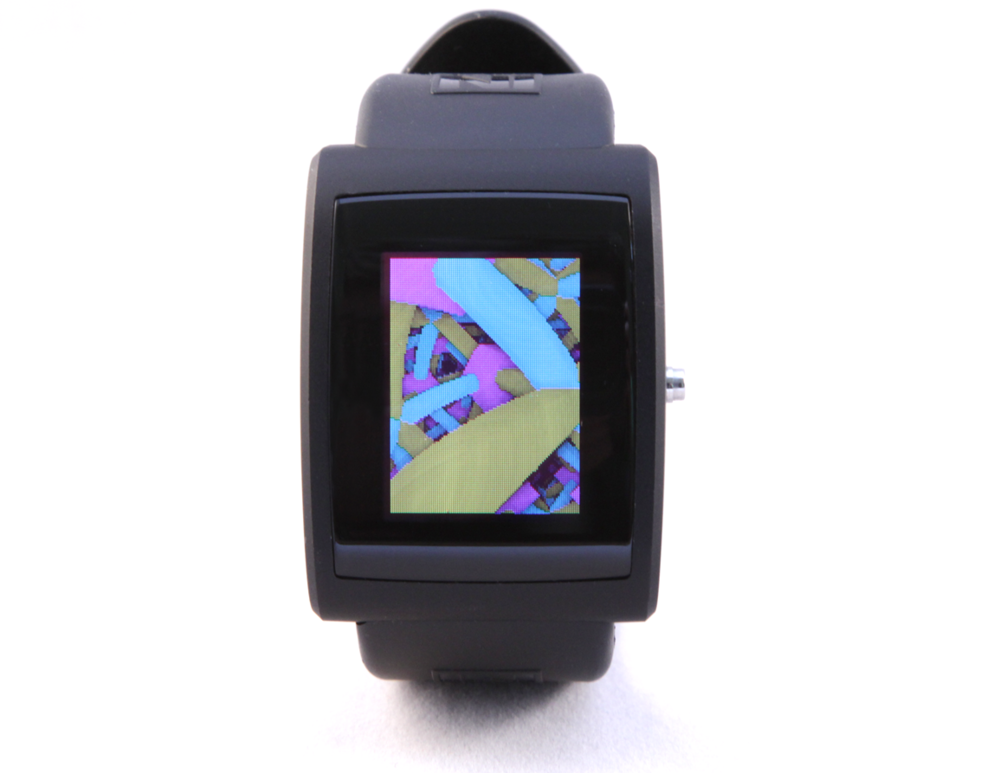
Hudson, the hacker behind the Magic Lantern firmware for Canon DSLR, has created some awesome visualization software for inPulse. He's ported some class screensaver-type graphics apps including xswarm and a cool starfield map. Check out his post on NYC Resistor and his source code for the app on our forum.
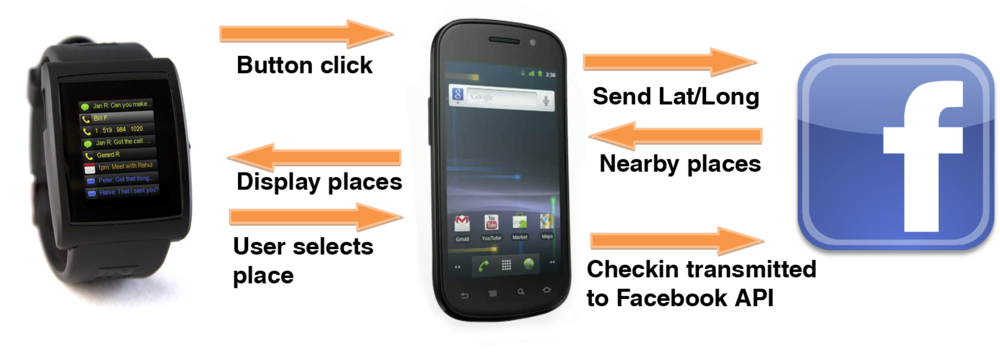
I've never been a big user of Facebook Places or Foursquare simply because I thought it was a hassle to pull out my smartphone just to checkin. Then a friend asked 'Why can't I just checkin from my inPulse watch'. Good idea, friend...good idea.
The rough idea is that a small watchapp runs on inPulse, waiting for the user to click and hold the button. The watch then pings your Android smartphone over Bluetooth. FBCheckin app running on the phone gets current Lat/Long from the GPS, and queries FB for nearby places, which are shot back to the watch and displayed in a list. Then you can click your way through the list and choose which place to checkin. Just click-hold and Boom! You've checked in on Facebook without having to take your phone out of your pocket.
After spending a few hours getting the Android SDK to work with inPulse (don't worry, I did all the hardwork and posted the source for you to play with), I dove into the Facebook Checkin API examples. I needed Graph API permissions to publish checkins, so I registered a new app. After arguing with the Facebook API for a while longer, I figured out how to query the API for nearby locations and publish checkins. Just to give you an idea of how easy it is to talk to inPulse from your own Android apps, I've included a few code snippits below. The full Android Eclipse project is available here. You can install the APK right on your Android phone here. Explore our dev forum.getinPulse.com and share your ideas for apps there!
Remember, you can grab your own inPulse smartwatch at getinPulse.com. Start hacking your watch!
As soon as we put together the first beta version of our hackable wristwatch, we got it on Rossum's wrist just to see what he could hack together. Naturally, he blew us away by porting two of his excellent graphical OLED demos to the inPulse SDK!
Lattice is a spectacular graphical demo, while the DOOMed port knocked us to the floor. We had never expected someone to port Doom to inPulse. Here is the video! It's not super easy to find your way around the level with one button, but I'm learning...
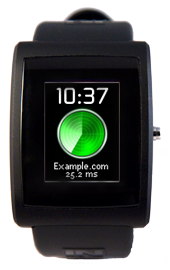
For the server admin who needs to be connected – We present PingStat.
Once a minute a specific domain or address is pinged and the current ping time is sent as a vibrating notification to your wrist. You can literally feel the server's pulse. Only with inPulse!
Open source and easy to implement, just pair your Bluetooth inPulse watch with your computer. Code in C with our SDK, then load apps wirelessly by Bluetooth to your watch. Then back on your computer, open a Bluetooth socket (we've included examples in Python, Android, jailbroken iPhone, Blackberry) then send alerts, notifications or any sort of text you wish to your watch!
This app is just one example of what is possible with the inPulse SDK.
We have prevailed! Allerta is proud to report that inPulse has entered final production, and a ship date announcement will be arriving shortly. Keep in mind that we will be working through the pre-order order list sequentially, so if you have already placed a pre-order for inPulse, you will be notified automatically by email when we are ready to accept your deposit. If you would like to manually check your pre-order status, please visit http://www.getinPulse.com/buy/status/
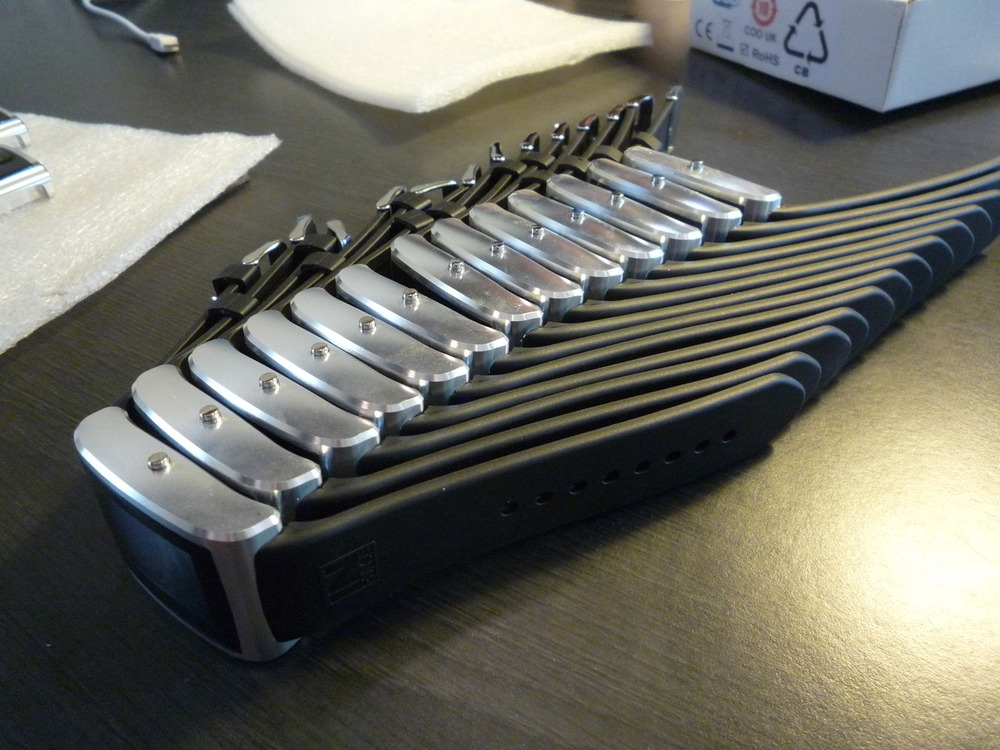
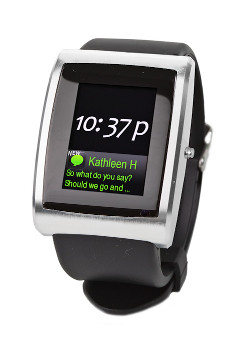
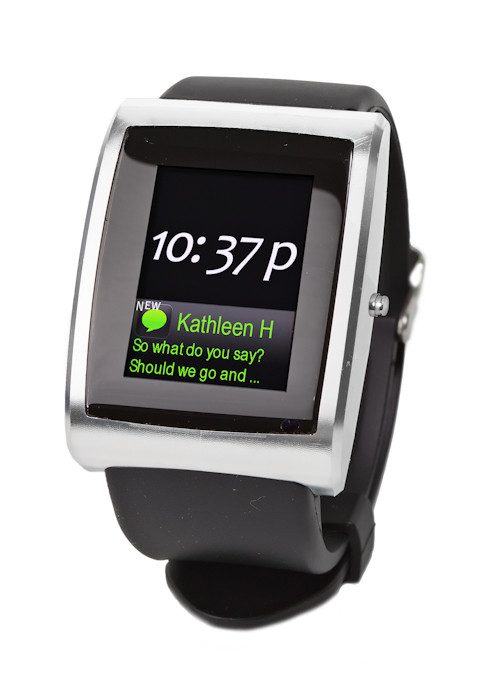
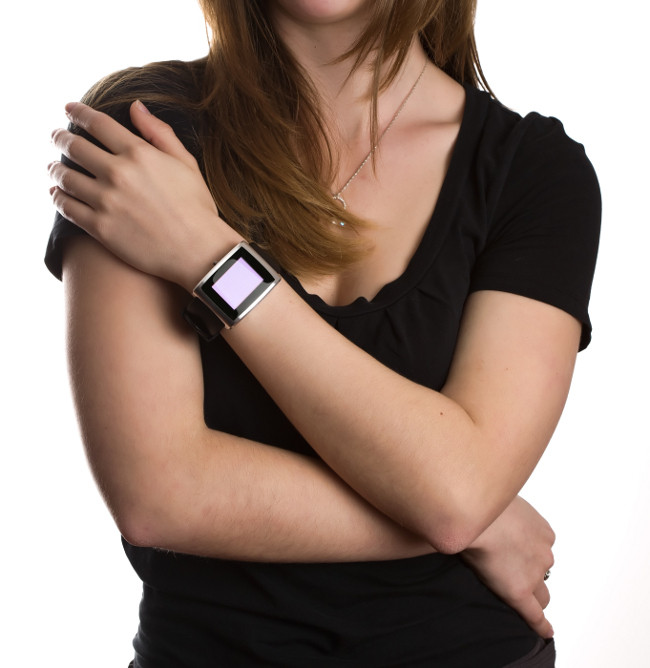
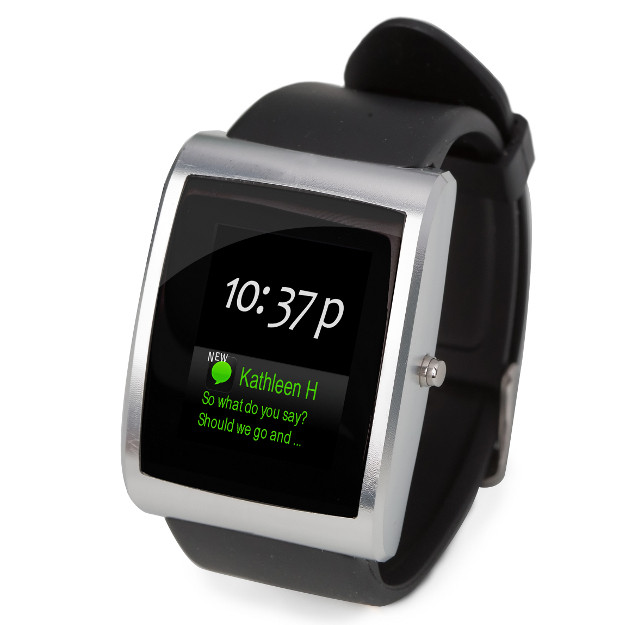
On behalf of Allerta, I would like to thank all of our pre-order customers for their extreme patience over the last few months. As a new hardware-based company, we’ve experienced our fair share of surprises along the way. Regardless, we’re still 100% committed to bringing you amazing new intelligent accessories unlike anything else on the market.In the meantime, please enjoy the latest photos of inPulse! Keep in mind, these are not renders, this is the actual hardware that you’ll have on your wrist very shortly (though the screen images are simulated). Review units will also be distributed to your favourite Blackberry and gadget blogs, so you’ll have some 3rd party reviews before receiving your inPulse.

 In Doug's post, he talks about using this technique to represent data related to a particular time of day. I immediately though "Man, that would make a cool watchface..."