
Getting Started with the inPulse Simulator
Overview
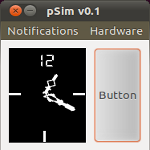
The inPulse Simulator (pSim) allows you to develop native watch code without sending it to the watch for testing. This speeds up the development process. See the API Documentation for the differences between the simulator and natively running the code on the watch.
The simulator (currently) only runs natively on Linux (tested on Ubuntu 10.10 and 9.10). If you'd like to use the simulator on Mac on Windows, you can use the Virtual Machine we've released.
Download Virtual Machine Image
inPulse simulator
How to use the image
(this tutorial is for Puppy Linux, but the steps are the same)
http://virtualboximages.com/GettingStarted
>> Start the virtual machine
Username and password are both pulsesim if needed.
To compile and run a sample application using the simulator
Note: The # symbol indicates a command to be entered in the terminal.
- open a terminal
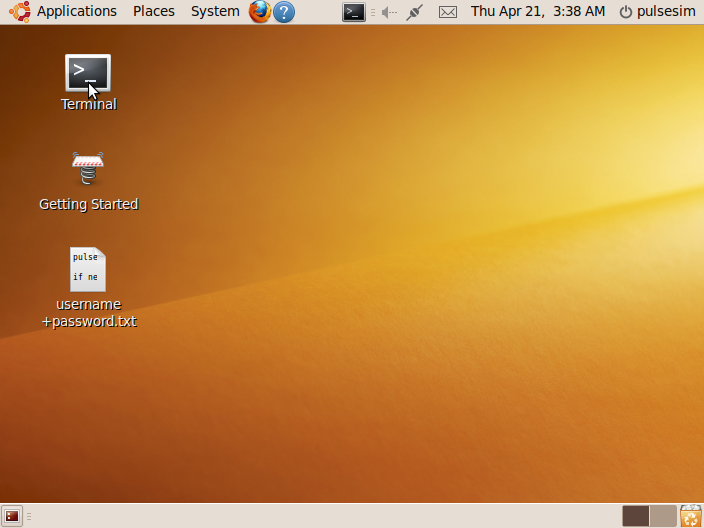
- Update to latest pulse_simulator (# ./update_simulator)
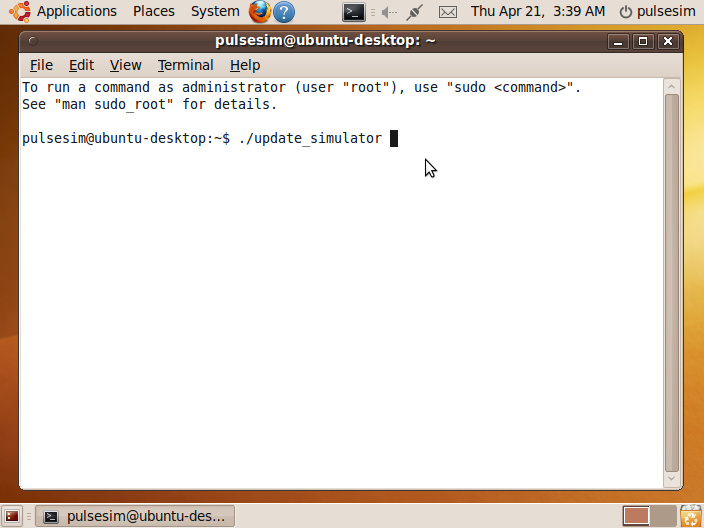
- #cd pulse_simulator/
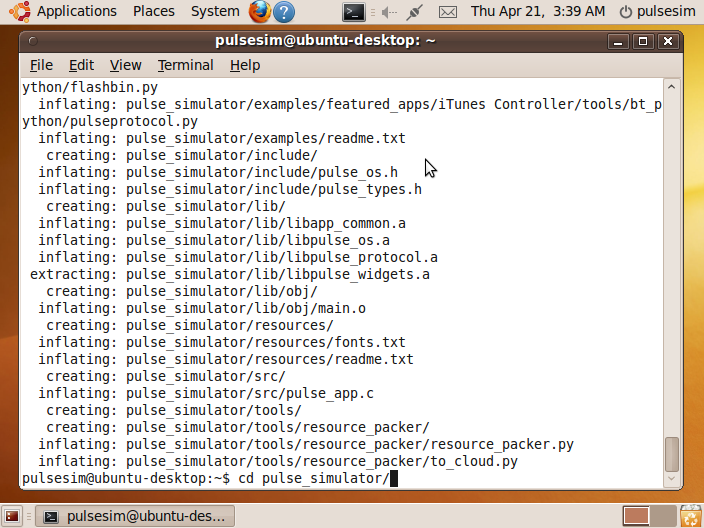
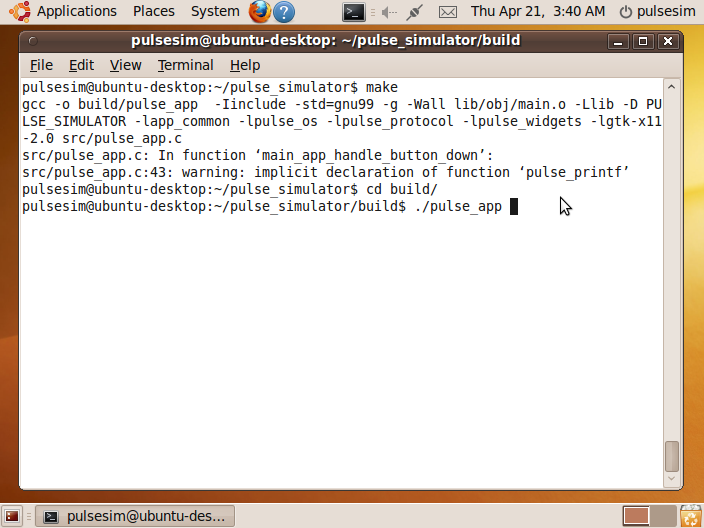
- #make
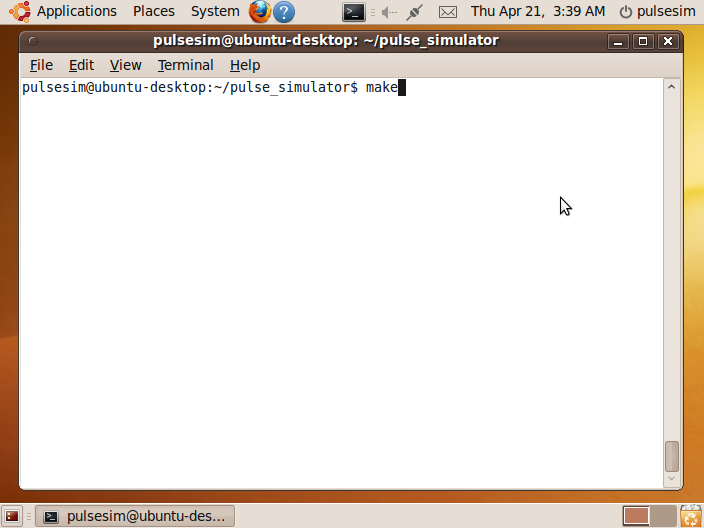
- #cd build/
- #./pulse_app
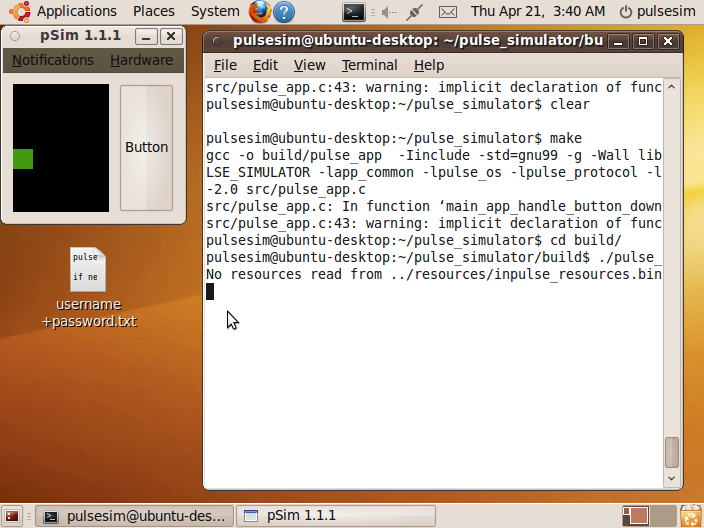
- Your first app is running in the simulator! The code being compiled is located in pulse_simulator/src/pulse_app.c. You can modify this file and see the changes after running #make and #./pulse_app again.
To run the simulator natively on Ubuntu
Download
pulse simulator version 1.1.2
Required Packages:
# sudo apt-get install build-essential
# sudo apt-get install libgtk2.0-dev
To try other sample applications, you can copy the source from /pulse_simulator/examples/ over /pulse_simulator/src/pulse_app.c, compile and run again.
Additional Information
If the example app you want to run has resources (images and/or fonts), an app_resources.bin will be included in the example directory. Copy that to /pulse_simulator/resources/ for the simulator to pick it up. Also, there will be an app_resources.h file that should be copied to /pulse_simulator/include/. Optionally, you can pass in the resources file path as a command line argument when running the simulator. Note: for the simulator to pick up the resources automatically, you need to run pulse_app from within /pulse_simulator/build/ directory.
You can create your own app_resources.bin file by following this tutorial
Create a custom watch face tutorial